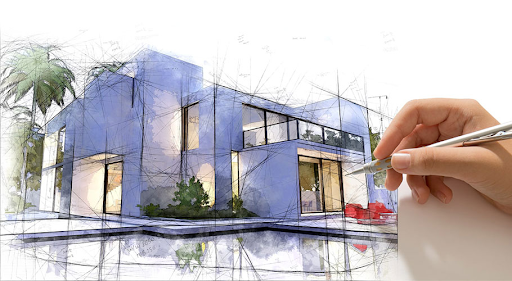
We’re living through a shift. What used to take days of tweaking textures, adjusting lights, and swapping materials is now done quicker, smarter, with AI stepping into the picture. When we talk about architectural 3D rendering services, AI isn’t just a tool; it’s becoming part of how we deliver quality, speed, and realism in everything we produce.
At Drafting Consultants, we leverage AI not to replace craftsmanship but to amplify it. Whether we’re creating visuals for commercial towers or residential projects, we use AI to reduce repetitive work, improve realism, and let our team focus on the creative decisions that matter. It’s this mix of human skill + machine acceleration that is changing the game for 3d design companies across the board.
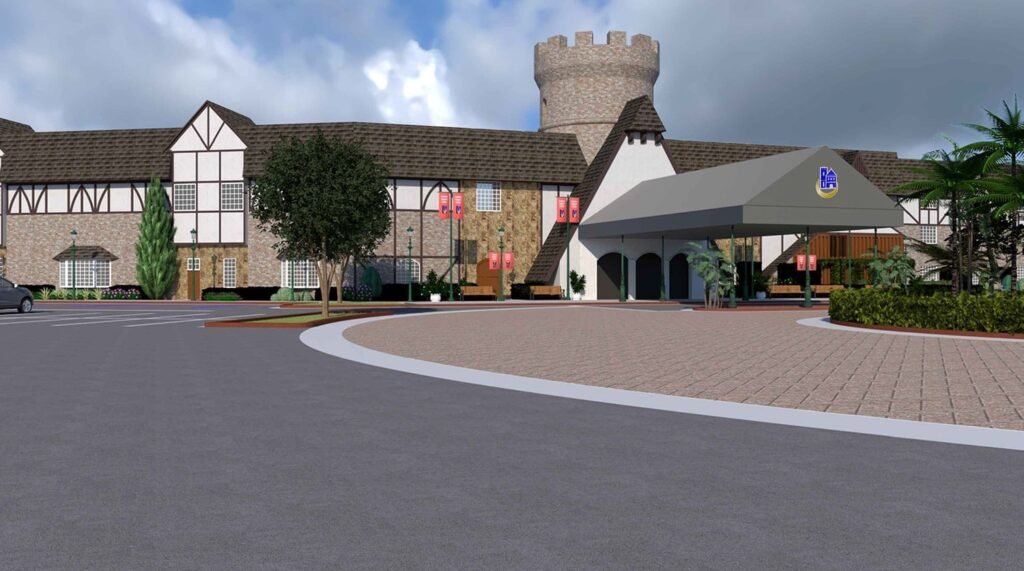
AI has pushed boundaries in rendering. Lighting, materials, environments—everything benefits from machine assistance.
Before AI, making changes to renders could mean hours of re-rendering and waiting. Now, we can try material changes, lighting tweaks, or adjust camera angles and see results fast. That’s especially helpful when clients change their minds or want versions. It cuts down on back-and-forth, keeps the design moving.
AI helps with things like texture generation, material matching, and realistic reflections. It can analyze lighting conditions and suggest or auto‑correct UV mapping or bump maps to get surfaces looking right. When you do that well, your renders feel more real, closer to what someone will see once a building exists.
AI tools can simulate realistic lighting behavior under different times of day or weather, even account for shadows and reflections that are harder to calculate manually. That means we can show clients what their space will look like in the rain, at sunset, or under overcast skies. Those details make a big difference when presenting designs.
When a company delivers architectural 3D rendering services using AI, there are clear advantages.
By automating repetitive tasks (texture tweaks, environment lighting, simple object placements), we save hours. Those savings translate into tighter timelines and lower costs for clients or more time for higher quality.
Clients expect better visuals. Photorealistic renders, immersive walkthroughs, and even augmented reality previews help clients understand designs more clearly. When you show them details that feel real, they trust the design more, provide more useful feedback, and decisions happen faster.
Because AI speeds up parts of the process, we can present more alternatives, different finishes, furniture layouts, and lighting moods. For architects or clients who want to see choices, that flexibility matters. It lets us refine direction early before construction or manufacturing begins.
It’s not perfect. We don’t lean on AI to make all design decisions. Human judgment still handles proportion, scale, aesthetic nuance, context, and client preferences.
Also, AI renders sometimes miss small details - alignment, connection points, trim work, edges, things that matter, especially when visuals drive construction or fabrication. That’s when solid structure in our drawings and close review steps in.
Here’s how we at Drafting Consultants use AI, without losing control or accuracy.
We build or maintain material libraries with high‑quality textures and samples. AI tools help us match new materials or suggest ones that fit style + budget. Pre‑rendering simple components helps speed up the full render without reinventing the basics every time.
When possible, we use tools that let us preview design changes in real time, including light shifts, camera angle changes, and different material finishes. That helps with client reviews and avoids big changes later.
Every render goes through human review. Even if AI does a lot of processing, we check scale, shadow behavior, details, and structure visibility. We cross-check with architectural and structural drawings to ensure that what we render matches what can be built.
We don’t blindly trust AI. There are pitfalls.
So we keep strong coordination between rendering and structural drafting, ensure models are consistent, and always include human checks.
We believe that combining AI tools with our experience gives a better product. When we deliver renders, it’s not just about “pretty pictures.” It’s about visuals that reflect actual architectural and structural constraints, things like beam placement, load paths, and material limitations. That’s where many renders fail: looking real but being impractical.
As one of the 3d design companies pushing forward with realistic renderings, fast feedback loops, and strong coordination between design and structure, we work with you to align what the client sees and what can be built.
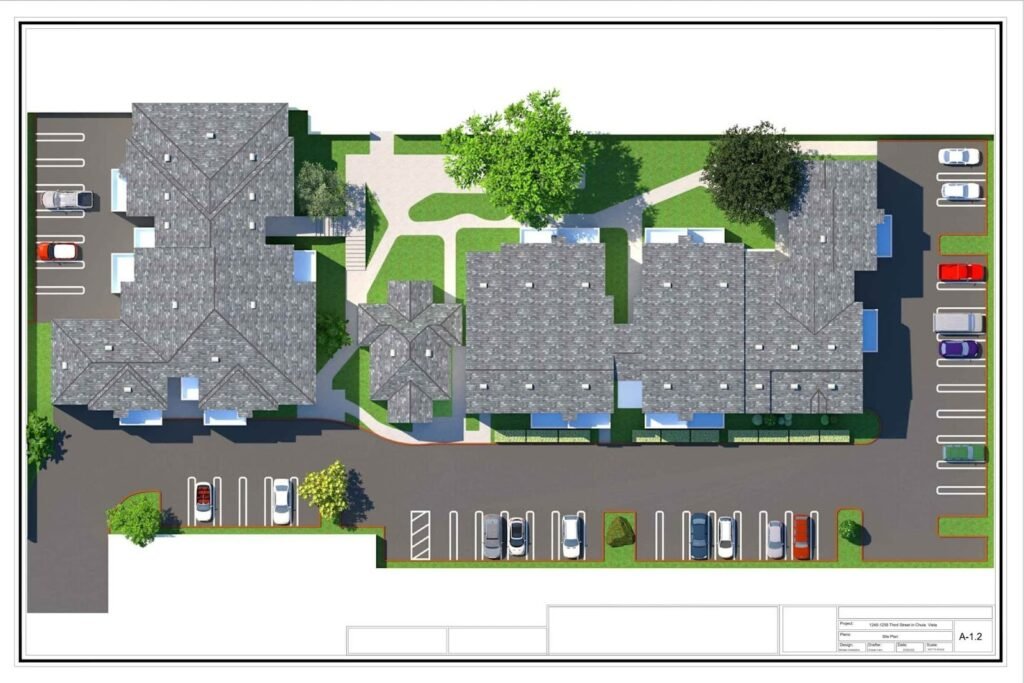
Looking ahead, we expect even tighter integration between rendering and building information modeling (BIM), more immersive client tools (AR/VR), smarter generative design tools (auto‑complete styles, finish palettes, lighting moods), plus more AI that helps predict build‑time issues, not just how it looks. We’re gearing up for those, too.
If you’re shopping for architectural 3D rendering services and want visuals that don’t just look good but match structure, detail, and deliverability, we’re ready to help. At Drafting Consultants, we balance speed, realism, and precision to create renderings that support both the design and the build. Reach out, let’s show you how AI can speed things up and make your project clearer.
Do we use AI for all rendering work?
Not for everything. AI helps with speed, variations, lighting, and materials, but we always add human oversight, especially for structural or architectural details that matter in buildability.
Can clients request VR or AR walkthroughs built using AI tools?
Yes. We offer immersive renderings and walkthroughs where AI helps accelerate rendering and environment setup, but with our quality control to ensure accuracy.
How do we ensure renders match structural constraints?
We coordinate very closely with our structural drafting services, so beams, supports, trusses, and other critical structural elements are modeled correctly in renders, not just assumed.
Will AI make render outputs cheaper?
In many cases, yes, automation and faster iteration reduce labor and time. But high‑end, build‑ready renders with detailed structures, accurate materials, and photo realism will still cost. We balance cost with quality depending on project needs.